Articles · typereader
How to export your words from typereader to Anki
Tap words while you read a book, then download them as an Anki deck: translation, an example sentence and the narrator's voice on each card.
You read a book on typereader and tap the words you don't know. A minute later the same words are in Anki, each with its translation, an example sentence and the voice of a real narrator. Three steps, about two minutes.
Step 1. Tap a word and save it
Open any book and tap a word you don't know. A card opens on the right with the translation, examples and the pronunciation. Press Save the word.
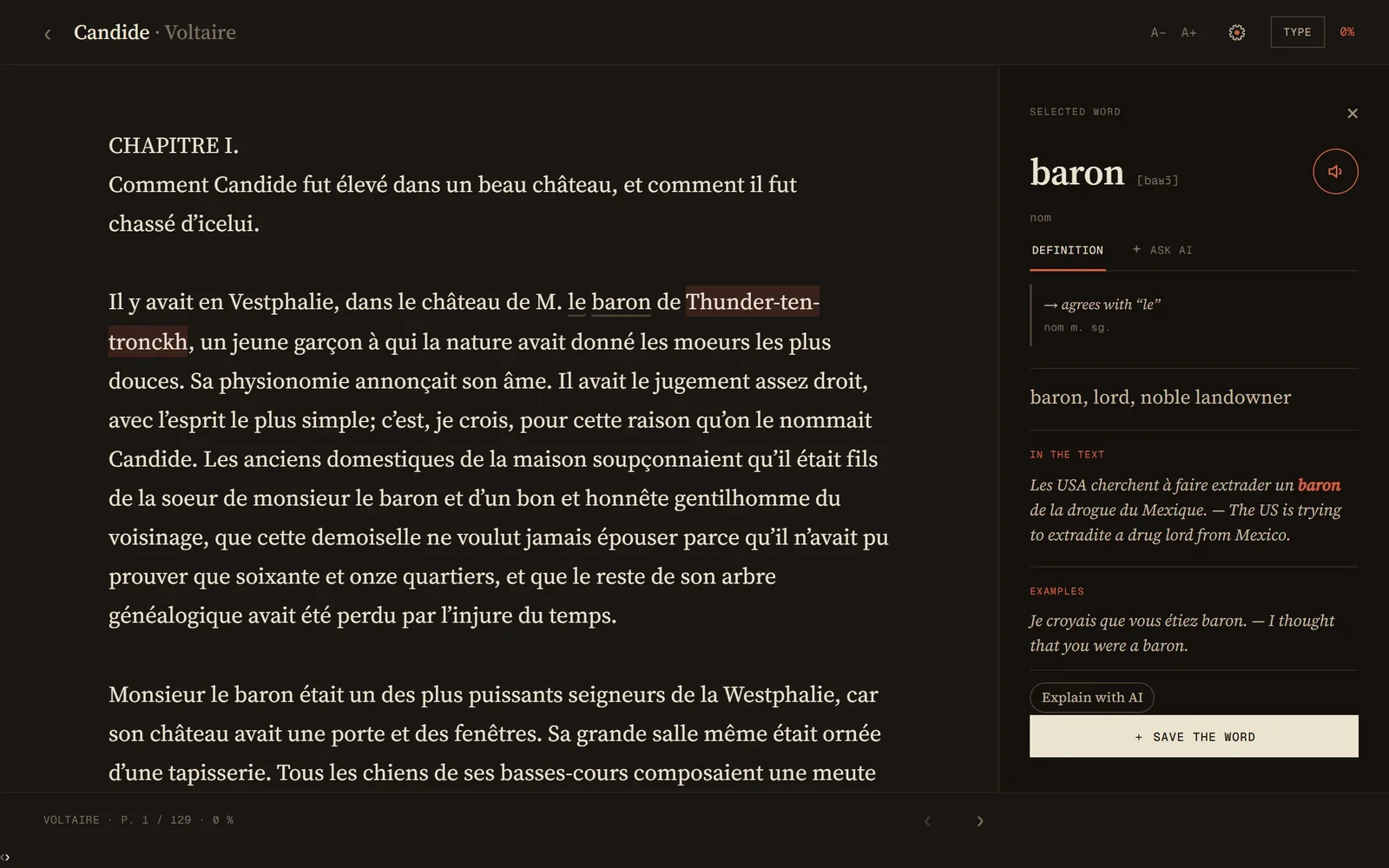
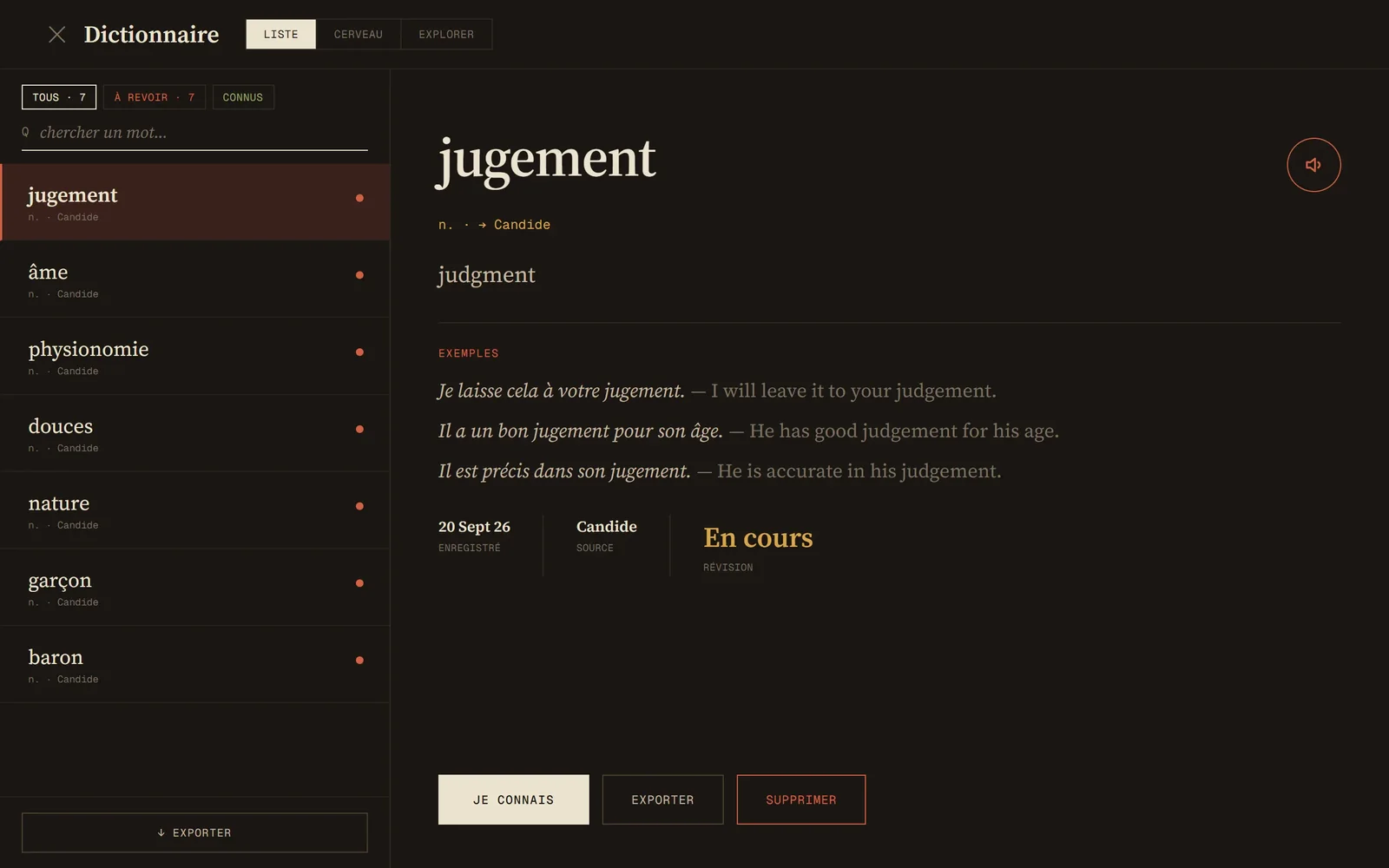
Saved words collect in your dictionary, each one with the book it came from.
Step 2. Press Export and pick what you need
In the dictionary, press the export button at the bottom of the list. It is labelled in the language you are learning, so for French it says Exporter.
Choose the cards:
- Word → translation. You see the word and recall what it means.
- Translation → word. The other way round. Harder, and better for speaking.
- Word in a sentence. A sentence with a gap where your word goes.
- Conjugations. For the verbs you saved.
Below that there are two settings. A separate deck per book keeps the words of each book apart. Word audio adds sound to every card: Narrator cuts the word out of a real audiobook recording, Robot is a synthetic voice, and None keeps the deck small and silent.
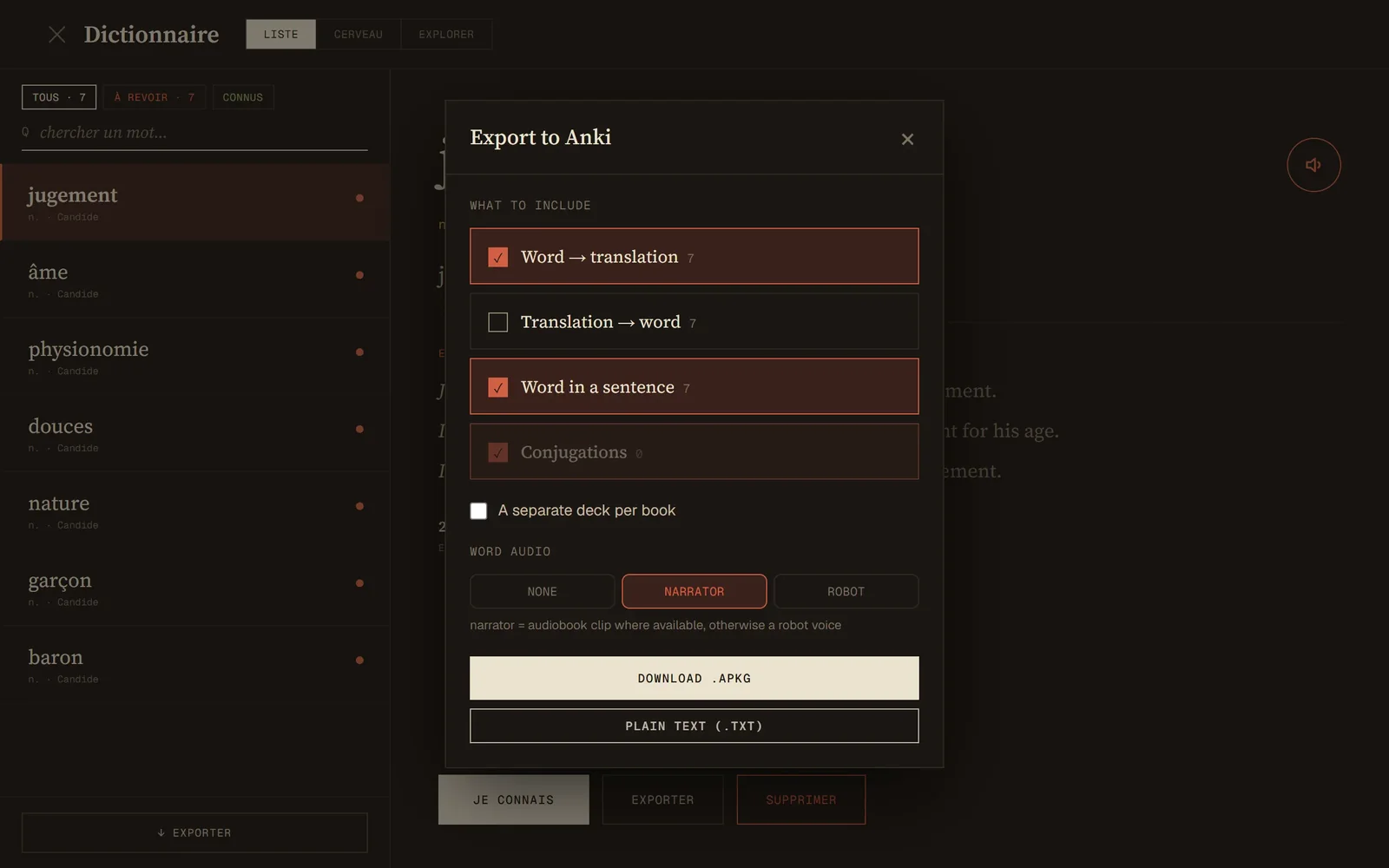
Press Download .apkg. You get one file, typereader.apkg.
Step 3. Open the file in Anki
Double-click the file, or in Anki choose File → Import. A deck called typereader appears in your list.
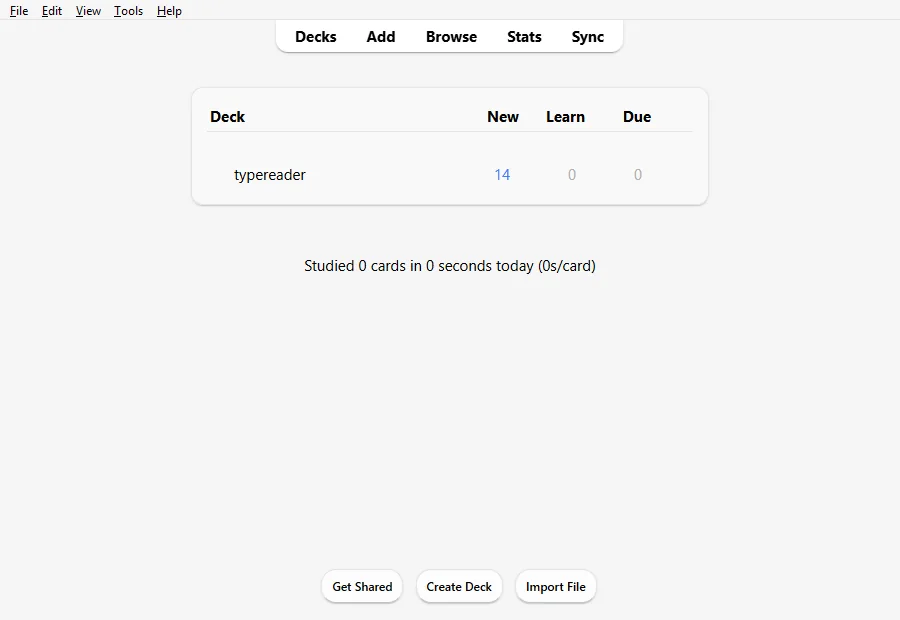
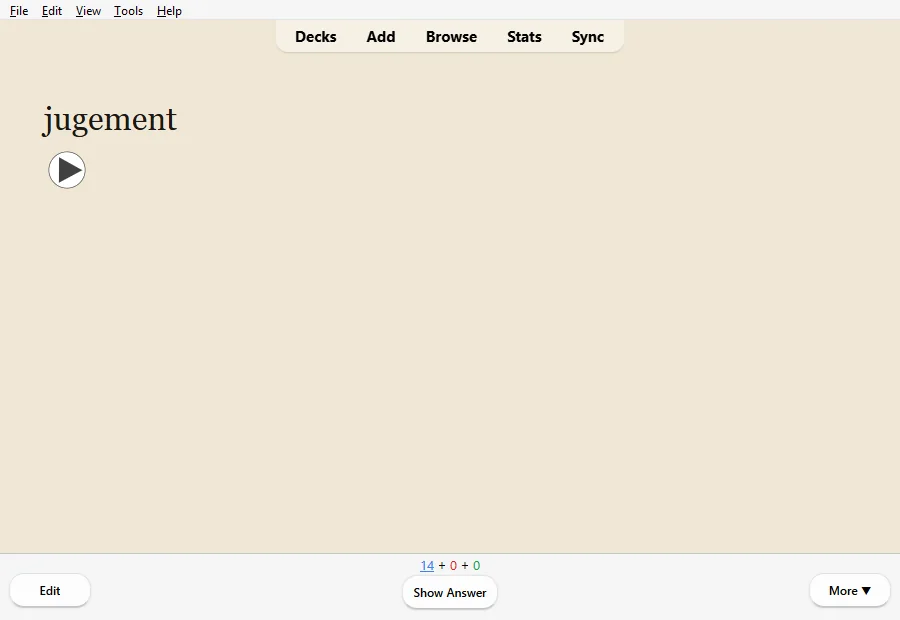
This is what a card looks like. The front shows the word and a button that plays it:
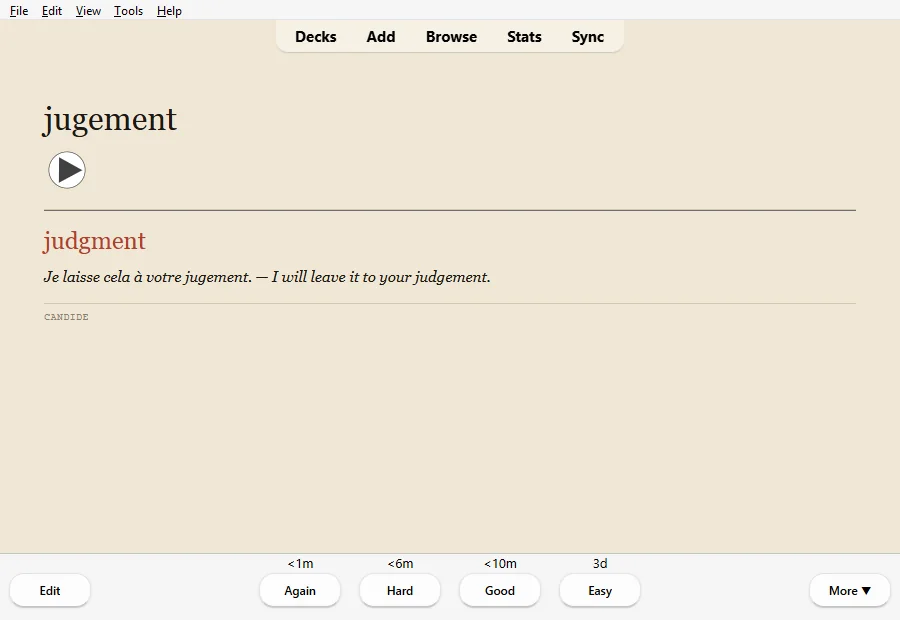
The back adds the translation, a sentence, and the book the word came from:
Good to know
- Export as often as you like. Anki recognises the cards it already has and does not duplicate them.
- The same file opens in AnkiDroid and AnkiMobile on your phone.
- If you use another app, Plain text (.txt) gives you a tab-separated list: word, translation, examples.
- Exporting is free.